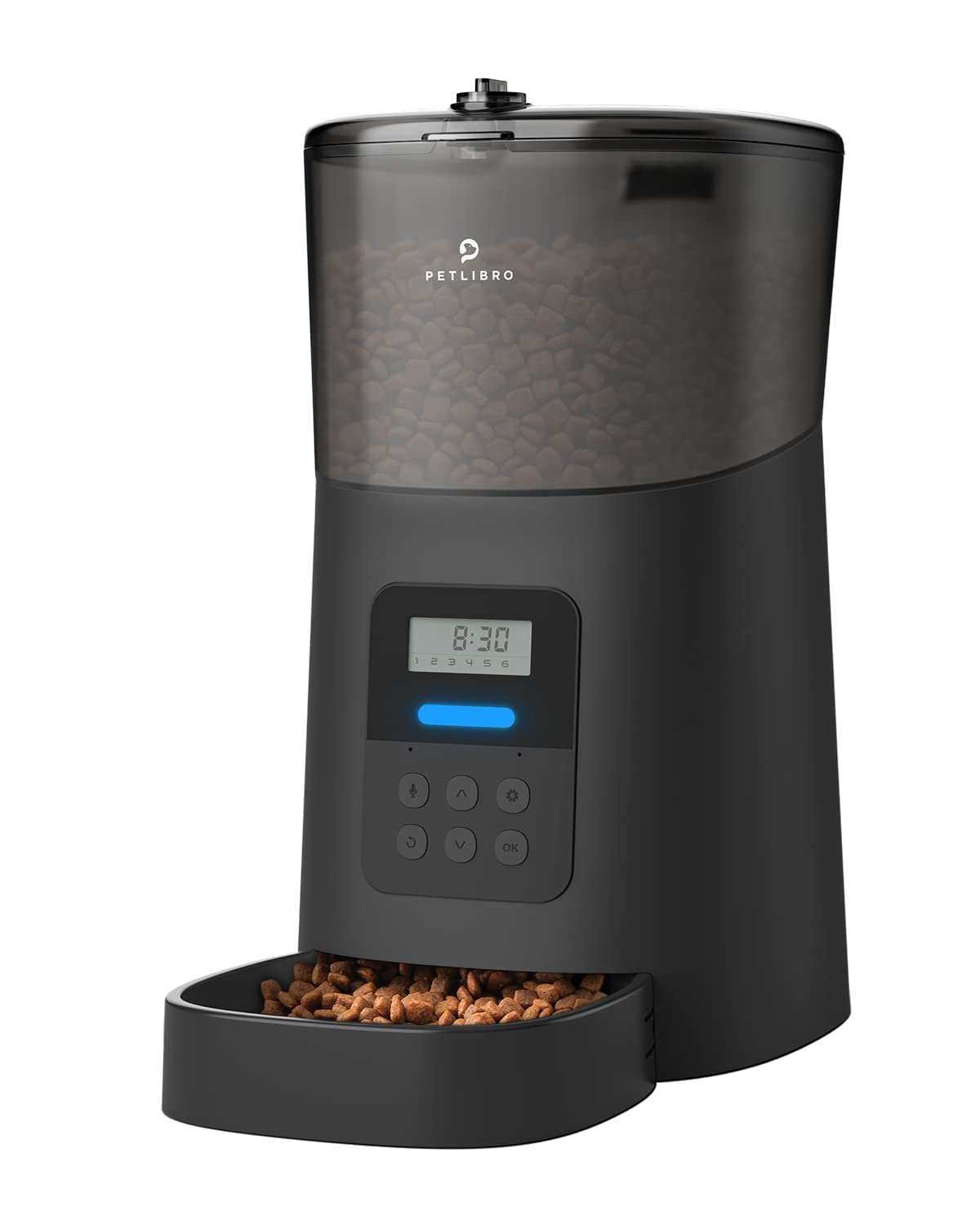
The PETLIBRO RFID Automatic Cat Feeder is designed to solve a familiar multi-cat problem: one cat eating another’s food. Its collar-tag sensor opens access for the designated cat, while the app offers schedules, portion settings, and eating records. For households managing separate dry-food diets, that combination can make mealtimes more organized and give caregivers useful clues about appetite changes.
The collar tag is essential. This feeder is not microchip-activated; it works only with the supplied RFID tag. Fit the tag to a properly fitted, breakaway collar, and check regularly that the collar remains comfortable and safe. If your cat dislikes collars, removes them, or has mobility or neck concerns, this may not be the right feeding setup. Introduce the feeder gradually: let your cat investigate it while it is open, then try short supervised meals before relying on scheduled access.
For cats that need prescription food, weight management, or another carefully controlled dry-food plan, individual access can reduce food swapping. Still, the feeder cannot guarantee that every cat eats the intended amount. A cat may avoid the unit, fail to wear its tag, or have trouble approaching the bowl. Watch several meals in person when you first set it up, and continue checking each cat’s weight, appetite, and body condition.
The app’s meal and portion records may help you notice changes, but treat them as a useful log rather than a health assessment. Confirm that the recorded activity matches what you observe, especially in a home with several pets or when a cat is unwell. A sudden appetite change deserves attention and, when appropriate, a call to your veterinarian—not just an adjustment to the schedule.
- Plan portions thoughtfully. Use the food’s feeding guidance and your veterinarian’s advice to set portions. The listed 3-liter capacity may reduce refills, but the advertised two-week supply for one cat is an estimate; actual use depends on food size, portions, and individual needs.
- Check food compatibility. This product is intended for dry food. Keep kibble fresh, and make sure the food moves through the dispenser reliably rather than bridging or jamming.
- Build a backup routine. The feeder includes battery backup, which can help during a power interruption. Test the backup before depending on it, and remember that loss of Wi-Fi may limit remote app features even if scheduled feeding continues.
- Keep feeding positive. Place the unit somewhere quiet and accessible, away from litter boxes and busy pathways. Give each cat enough space to eat without being crowded or guarded by another pet.
Cleaning requires care. This product instructions say not to wash the feeder base or RFID reader with water, so remove only the parts intended for cleaning and follow the manufacturer’s directions for each component. Keep the reader and electronics dry, use the supplied charger, and reassemble the feeder fully before use. Regular cleaning matters for food hygiene, but soaking or rinsing the wrong parts could damage the unit.
Overall, that’s a potentially helpful tool for multi-cat homes where food stealing or separate dry diets are ongoing challenges. Its strongest benefit is controlled access paired with useful monitoring; its main limitations are reliance on a collar tag, careful cleaning requirements, and the need to verify that each cat is eating comfortably and getting the right amount. It works best as part of attentive feeding care, not as a replacement for observation or veterinary guidance.